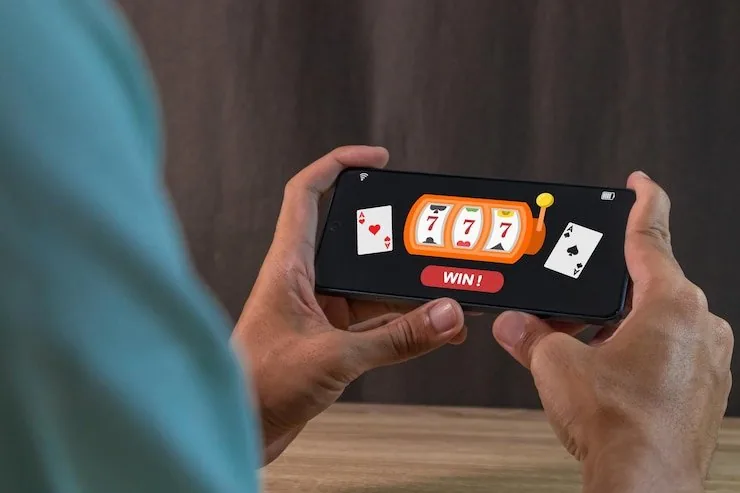

Mobile Access in Three Clear Steps
Getting the pk1947gam lobby onto your phone takes under two minutes from any modern browser. The site loads in Chrome, Safari or your default browser directly — no APK or third-party file needed. If a dedicated app build is released, a download prompt appears on the lobby page; always pull the link from there. Your account wallet and game history sync across
all sessions. Once signed in, your linked JazzCash or Easypaisa wallet carries forward — no re-entry needed when you switch between desktop and your phone the next day.
- Open the current site — Type pk1947gam into your mobile browser — Chrome on Android and Safari on iOS both handle the lobby without any plugin or extension required.
- Sign in to your account — Enter your credentials or use biometric login if you have set it up. Your wallet balance, game history and active promotions appear immediately after sign-in.
- Check for an app build — If pk1947gam has released a dedicated app, a download prompt appears on the lobby page. Verify and download only from that source — not from third-party links.
- Explore the mobile lobby — Live tables, slots like Slot FlashFire, and your sports betslip are all in one mobile session. Switch between them without a separate login or page reload.